BIOMETRIC ATTENDANCE SYSTEMS · KOZHIKODE · SINCE 2013
Smarter Attendance. Better Workforce Management.
Biometric attendance systems in Kozhikode for offices, schools, hospitals, factories, shops and institutions. Choose fingerprint, face recognition or RFID-based attendance devices with suitable software, user setup and reporting support.
✓ Since 2013✓ Fingerprint & Face Options✓ Device & Software Setup✓ User Enrolment Guidance✓ Kozhikode Based
Workforce time management
Biometric Attendance System in Kozhikode
Lock and Secure Systems provides security and attendance technology solutions from Puthiyara, Kozhikode. Operating since 2013, the company profile includes biometric attendance systems alongside CCTV, access control and other security services.
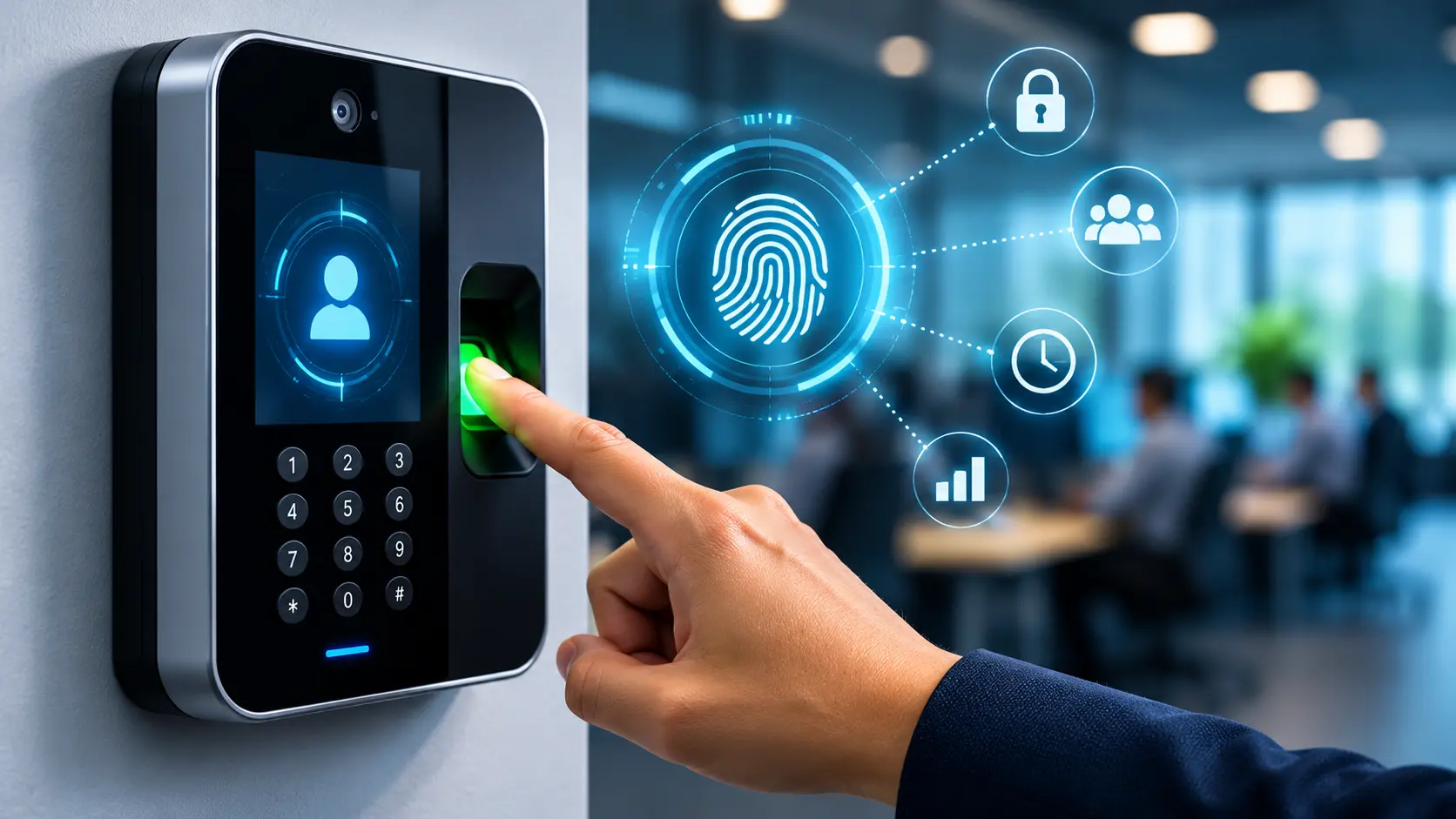
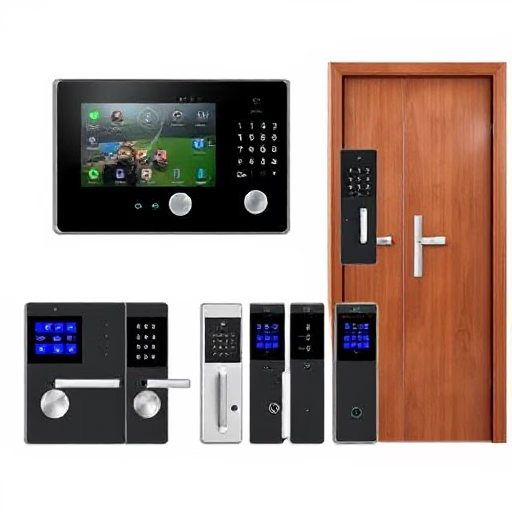
A biometric attendance system records employee attendance when a person verifies their identity using an enrolled fingerprint or face. Depending on the selected terminal, RFID cards, PIN codes or combinations of credentials may also be supported.
Attendance devices can be configured to record punch events and transfer data to compatible software. Reports may help administrators review daily attendance, late arrivals, early departures, absences, overtime and shift data when these functions are supported by the device and software.
✓ Fingerprint attendance terminals✓ Face recognition devices✓ RFID card attendance✓ Employee enrolment setup✓ Attendance report configuration*✓ Software and device guidance
*Report formats, integrations, data capacity and payroll features depend on the selected model and software. Confirm requirements before purchase.
Attendance technologies
Types of Biometric Attendance Systems
Select a device based on staff strength, work environment, authentication preference, shift structure and reporting needs.
Fingerprint Attendance System
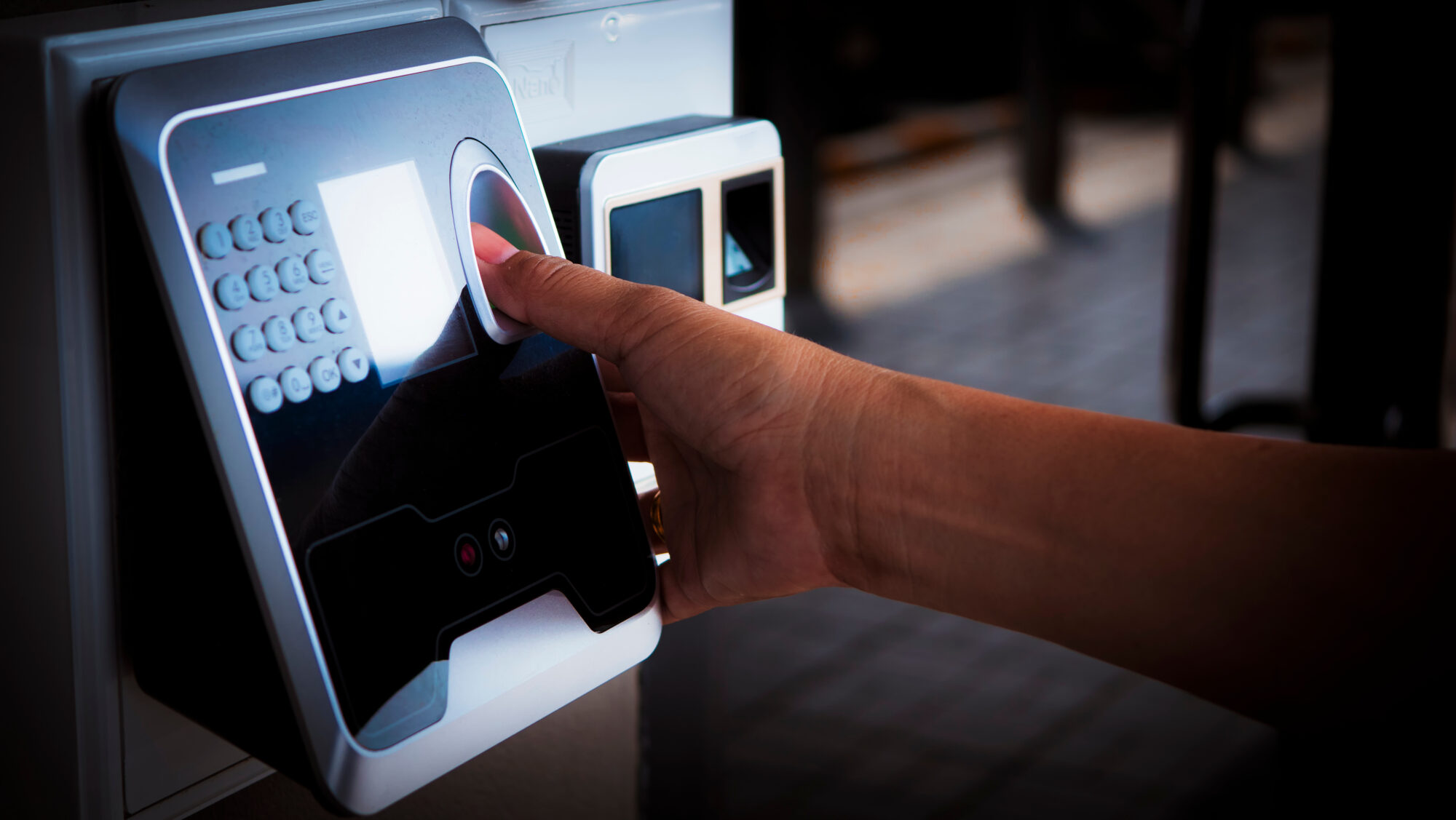
Employees place an enrolled finger on the scanner to register attendance. It is a common option for workplaces that need individual identity verification at a shared punch point.
Fingerprint enrolment and deletion
Employee ID mapping
IN/OUT punch records on supported models
Suitable for offices, shops and institutions
Face Recognition Attendance
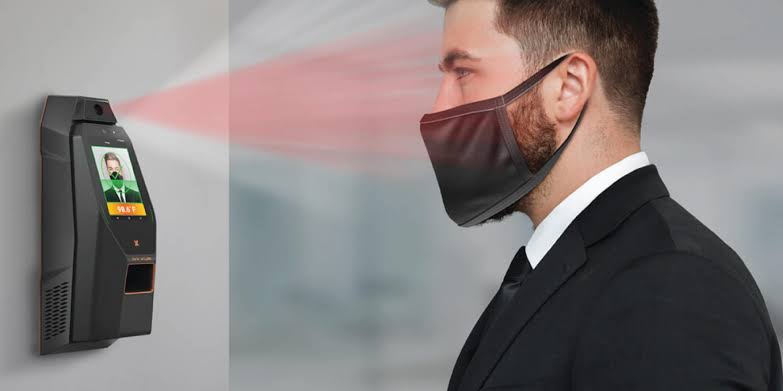
Face terminals verify an enrolled face to record a punch. Contactless authentication may be useful in busy workplaces or locations where touch-free verification is preferred.
Face enrolment and verification
Optional card or PIN support
Capacity and recognition features vary
Device placement and lighting assessment
RFID Card Attendance
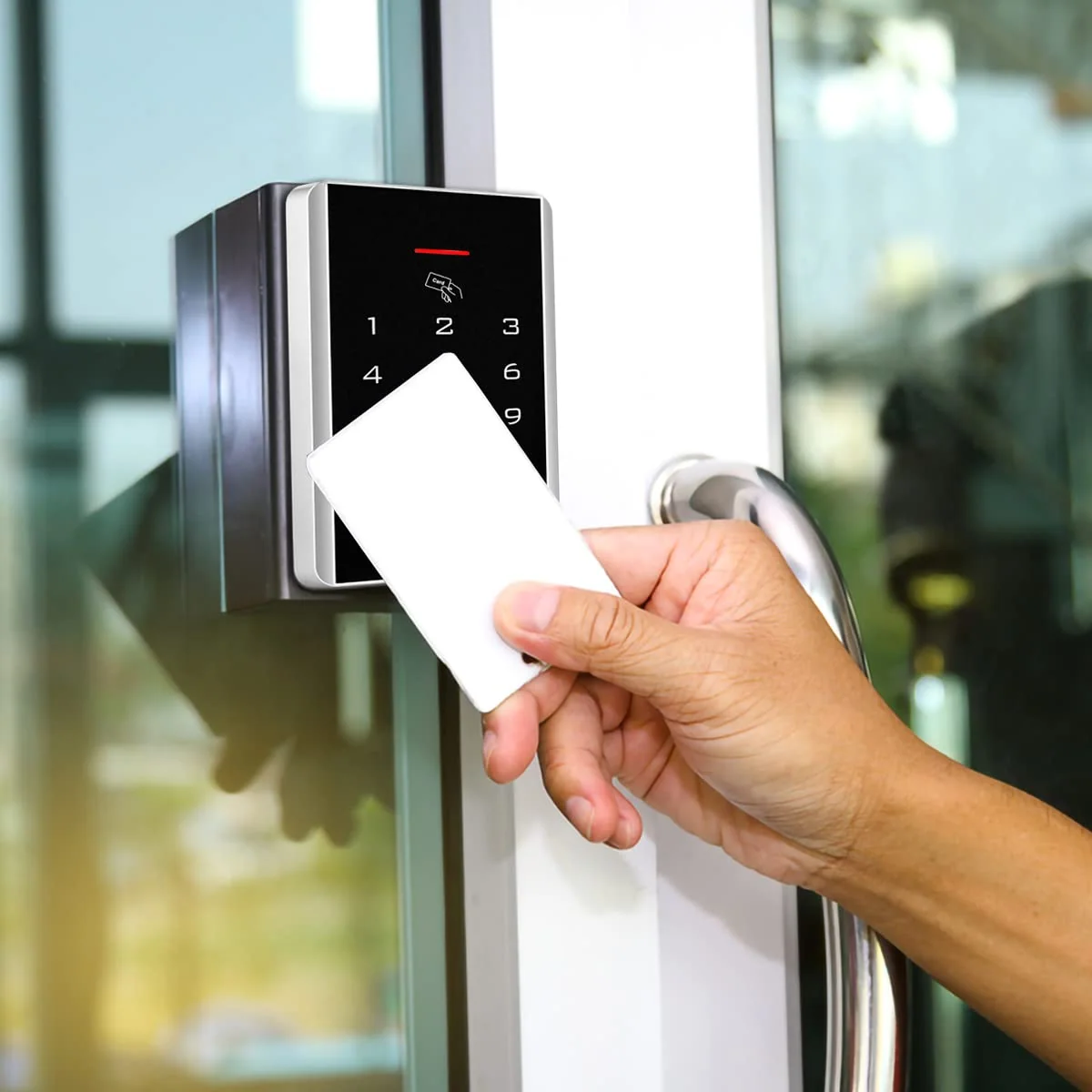
Staff tap a compatible proximity card or key fob on a reader to record attendance. RFID can be used as a primary method or alongside biometric authentication on supported devices.
Card and key-fob credentials
Convenient employee issue and replacement
Card capacity varies by model
Combined authentication options
Multi-Authentication Devices
Some terminals support two or more verification methods, such as fingerprint, face, RFID and PIN. This provides flexibility for different user groups and operating requirements.
Multiple credential types
Fallback authentication options
Centralised user management on supported systems
Model-specific configuration
Attendance Software & Reports
Compatible attendance software collects punch data and helps authorised administrators prepare attendance summaries and review employee time records.
Daily and monthly summaries
Late and early punch review
Shift and department options where supported
Export and payroll workflow compatibility check
Multi-Location Attendance
For organisations with branches or multiple work locations, networked devices and compatible software may consolidate attendance information for central administration.
Branch-wise device planning
Network and data transfer assessment
Central reporting where supported
Role-based administrator access
Equipment & software
Biometric Attendance Products & Details
A complete attendance solution may include the following hardware, software and installation components. Final selection depends on staff count, punch volume, network environment and required reports.
👆
Fingerprint Attendance Machine
Optical or other supported fingerprint sensor terminal used to enrol employees and record verified punch events.
Fingerprint capacity varies by model
Transaction storage varies by model
Employee ID and punch settings
🙂
Face Recognition Terminal
Camera-based terminal that matches a presented face with an enrolled template, subject to device specifications and environment.
Face capacity and speed vary
Screen and camera features vary
Lighting and mounting position matter
🪪
RFID Card / Proximity Reader
Reads compatible employee cards or key fobs to record attendance or provide an alternative verification method.
Card technology must match reader
Credential issue and replacement
Supported formats vary
🔢
PIN / Password Keypad
Allows an employee to enter an assigned ID or PIN on compatible devices. May be used as a standalone or secondary method.
PIN length and user capacity vary
Useful as a supported fallback method
Require secure PIN administration
💻
Attendance Management Software
Application used to collect, process and display punch data from compatible attendance devices.
Employee and department records
Daily, monthly and exception reports
Shift and holiday configuration where supported
🧾
Attendance Report & Export Tools
Report functions can help administrators review work hours, attendance status and exceptions. Export options depend on the software edition.
Excel or other export formats if supported
Period-wise summaries
Payroll data preparation workflow
🌐
Network / Wi-Fi Connectivity
Ethernet, Wi-Fi or other supported communication options can transfer attendance data between terminals and software.
LAN/WAN suitability check
IP configuration where required
Network security and access planning
🔌
Power Adapter & Backup
Compatible power supply and optional backup arrangements help maintain device operation during normal power interruptions.
Correct voltage and current rating
UPS or backup planning if required
Safe cable routing and installation
🧰
Mounting & Installation Accessories
Brackets, screws, conduits, cables and other accessories used to install the terminal securely at a suitable punch location.
Wall or stand mounting assessment
Protected cable routing
Neat finishing and testing
Attendance workflow
How a Biometric Attendance System Works
1. Employee registration: The administrator creates an employee record and assigns a unique ID. Depending on the device, a fingerprint, face template, card number or PIN is enrolled.
2. Daily punch: At the attendance terminal, the employee verifies using an enrolled credential. The device records the date and time of the successful punch.
3. Data transfer: Punch records are collected locally or transferred to compatible attendance software through the supported connection method.
4. Attendance processing: The software applies configured shift rules, grace periods, weekly offs and holidays where these features are available.
5. Reports: Authorised administrators review attendance summaries and export information for internal review or payroll preparation.
Our service process
Device Supply, Installation & Configuration
We help you plan the attendance device around your workforce and operating routine, then configure the equipment and demonstrate its everyday use.
01
Requirement Discussion
Understand employee count, shifts, branches, punch locations and required reports.
02
Site Assessment
Check mounting location, power, network availability and the expected daily user flow.
03
Device Selection
Compare fingerprint, face, RFID and multi-authentication device options.
04
Supply & Installation
Install the terminal, connect power and supported network or communication links.
05
Employee Enrolment
Configure employee IDs and demonstrate the enrolment process for approved users.
06
Software Setup
Configure compatible software, shifts, departments and report preferences as agreed.
07
Testing & Handover
Test sample punches, data transfer and report generation; guide the administrator.
08
Support & Maintenance
Discuss troubleshooting, device servicing, configuration changes and support needs.
Industry solutions
Attendance Management for Different Workplaces
Choose a suitable attendance setup for the way your team works, including shift-based and multi-department environments.
🏢Corporate Offices
Employee punch records, shift reporting and department-wise summaries.
🏫Schools & Colleges
Staff attendance and administrative reporting workflows.
🏥Hospitals & Clinics
Shift-based attendance for clinical and administrative teams.
🏭Factories
Workforce punch tracking for shifts and production teams.
🛍️Retail & Showrooms
Staff attendance across shop floors and back-office teams.
🏨Hotels & Restaurants
Attendance tracking for rotating service and operations shifts.
🏗️Construction Offices
Attendance management at suitable site or office locations.
🏬Warehouses
Shift attendance and employee reporting for logistics teams.
Technology brands
Security Technology Brands
The Lock and Secure Systems reference website lists the following brands. Please confirm the availability of a specific biometric attendance device, model and software compatibility with the team.
Brand names are included as listed in the supplied company reference. This page does not claim that every listed brand offers every attendance feature or model.
System selection
What to Consider Before Choosing a Biometric Machine
These requirements help identify a suitable terminal and avoid selecting a device that does not match your attendance workflow.
Requirement
What to check
Why it matters
Employee strength
Number of active employees and expected growth
Device user capacity must meet current and future needs
Punch volume
Expected daily IN/OUT transactions
Determines suitable transaction storage and data handling
Authentication
Fingerprint, face, RFID, PIN or combination
Matches user convenience, environment and company policy
Shift structure
Fixed, rotational, night or multiple shifts
Software must support the required attendance rules
Connectivity
USB, Ethernet, Wi-Fi or supported transfer method
Determines how records reach the management software
Reporting
Daily/monthly reports, late marks, overtime and exports
Ensures administrators receive the reports they actually need
Payroll workflow
Required export format or payroll application
Compatibility must be confirmed; integration is not universal
Location
Indoor/outdoor placement, dust, heat and lighting
Environment can affect device suitability and performance
Privacy
Employee notice, consent/policy, access to biometric data
Biometric data requires careful and responsible handling
Important implementation guidance
Attendance Data, Privacy & Administration
Biometric attendance involves employee identity information. Before implementation, establish a clear workplace policy explaining why attendance data is collected, who can access it, how long it is retained and how employee requests are handled.
Limit administrator access to authorised personnel, use strong passwords, secure network connections where supported and follow the device manufacturer's security guidance. Keep device firmware and software maintained where updates are available.
Organisations should assess applicable privacy, employment and data-protection obligations and provide suitable alternatives or procedures where required. Avoid collecting more biometric information than is necessary for the stated attendance purpose.
Helpful answers
Biometric Attendance System FAQ
Answers to common questions about biometric machines, employee attendance software and installation in Kozhikode.
A biometric attendance system records employee punch events after verifying identity through a biometric credential such as a fingerprint or face. Depending on the device, RFID cards or PIN codes may also be supported.
Lock and Secure Systems is based in Puthiyara, Kozhikode and lists biometric attendance among its security solutions. Contact the team to confirm product availability, site requirements and service coverage.
Common device types include fingerprint attendance terminals, face recognition terminals and multi-authentication machines. RFID card and PIN attendance options may also be available depending on model and stock.
An administrator enrols a staff member's fingerprint template and links it to an employee ID. The employee places the finger on the reader to verify identity and register a time-stamped punch.
The employee's face is enrolled on a compatible terminal. At punch time, the device compares the presented face with enrolled data and records attendance when verification succeeds. Performance depends on model, environment and installation.
Some models support multiple authentication methods, including fingerprint, face, RFID and PIN. Confirm the exact feature set and capacity of the selected model before purchase.
If the selected terminal supports RFID, employees can use compatible cards or key fobs. Card technology must match the reader. Some devices allow RFID as the primary or an additional method.
Compatible attendance software commonly provides period-based reports. The available summaries, filters and export formats depend on the software and device configuration.
Some attendance software can calculate late arrivals and early departures when administrators configure shift timings, grace periods and rules. Confirm the feature availability in the selected software.
Many attendance applications support shift schedules, including rotational or overnight shifts, but functionality varies. Explain your exact shift pattern before choosing the device and software.
Some software versions provide Excel or other file exports. Export formats and report customisation are software-specific and should be confirmed during product selection.
Depending on the model, data may transfer through USB, Ethernet, Wi-Fi or another supported communication method. Check the device ports and software requirements before installation.
Some networked platforms can collect data from multiple locations into a central system. This depends on device connectivity, software licensing, network setup and supported architecture.
It can be used for staff attendance in educational institutions. Student attendance workflows may require different software, user capacity and privacy considerations; confirm those requirements before selecting a system.
Some systems support exports or integration with third-party payroll applications. Compatibility is not universal. Share the payroll software name and required data format so it can be checked.
Possible alternatives include re-enrolling the fingerprint, using another finger or using a supported RFID/PIN/face option. The available fallback depends on the device and company attendance policy.
Some devices store punch transactions locally and synchronise them later, while others may rely on a live connection for particular functions. Local storage, backup power and data recovery behaviour must be checked for the selected model.
User capacity varies significantly by model and authentication method. Transaction storage also differs from user capacity. Choose a device based on both employee count and expected punch volume.
Yes, if the selected terminal is suitable for the location. Check mounting height, power, network availability, lighting, weather exposure and employee traffic flow before fixing the device position.
Contact Lock and Secure Systems to discuss supply, installation and configuration requirements. The exact service scope, site availability and handover arrangements can be confirmed at enquiry stage.
Ask the team to include employee enrolment guidance and administrator orientation in the agreed installation scope. The process depends on the device and software selected.
Contact the team with the device brand, model and fault description to check whether troubleshooting or maintenance support is available for your installed equipment.
Cost depends on authentication type, employee capacity, transaction storage, connectivity, software, number of devices and installation requirements. Request a quotation based on your exact staff count and workflow.
The supplied company reference lists CP PLUS, Hikvision, Dahua, Trueview, Honeywell, Hi-Focus and TP-Link. Confirm whether a particular brand and biometric attendance model is currently available.
Installation time depends on the number of devices, mounting and cabling, network setup, software configuration and employee enrolment volume. The schedule can be estimated after reviewing the site and requirements.
1st Floor, Happy Building, Near Sabha School, Puthiyara Road, Puthiyara, Kozhikode, Kerala 673004.
Call 7356 501 501 or WhatsApp 7356 670 670. Share your staff count, number of branches, shift pattern, preferred authentication method and required reports.
Contact our team
Get a Biometric Attendance System Quote
Tell us about your staff strength and attendance requirements. Contact Lock and Secure Systems in Kozhikode for product and installation enquiries.
Lock and Secure Systems
Address1st Floor, Happy Building, Near Sabha School, Puthiyara Road, Puthiyara, Kozhikode, Kerala 673004