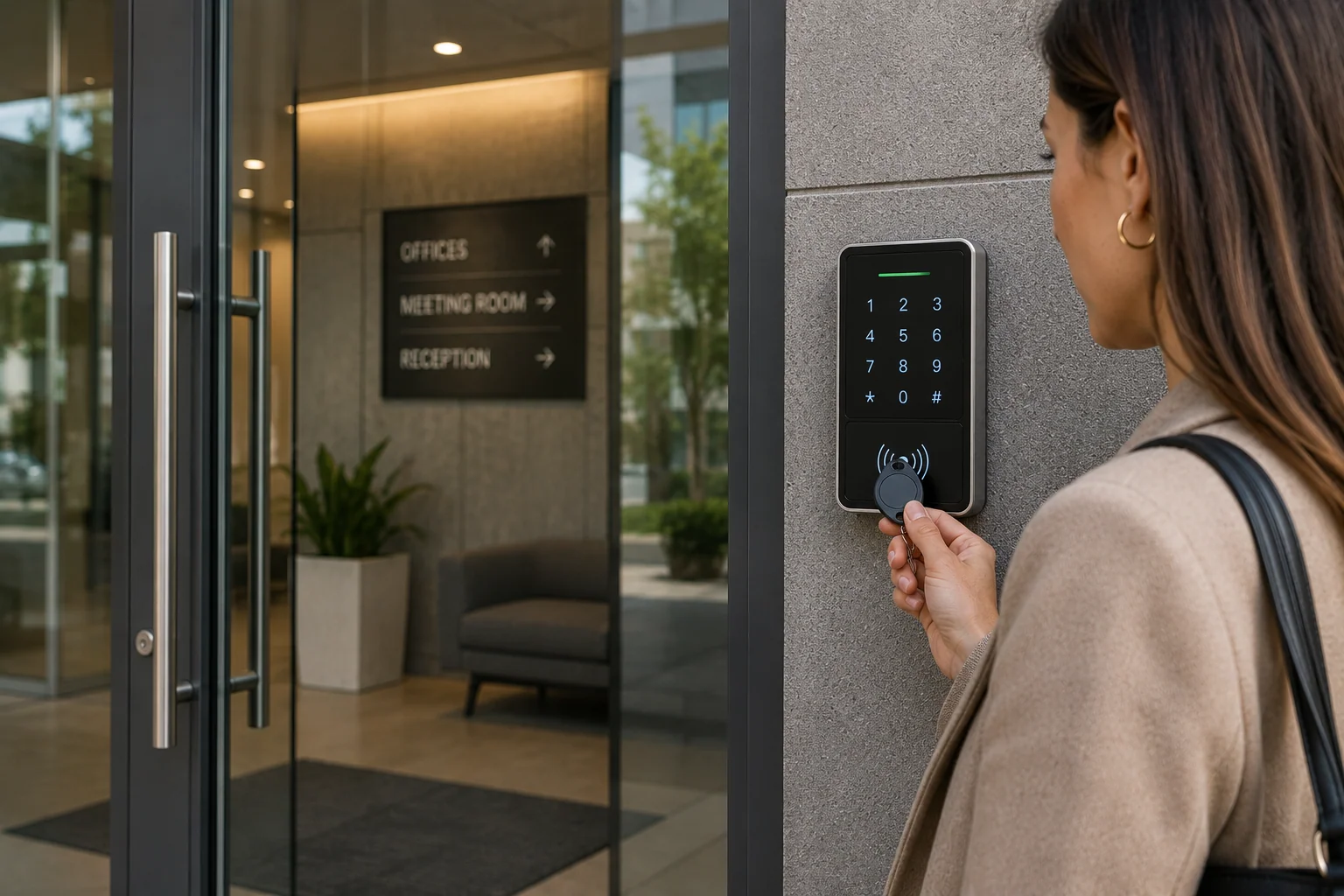
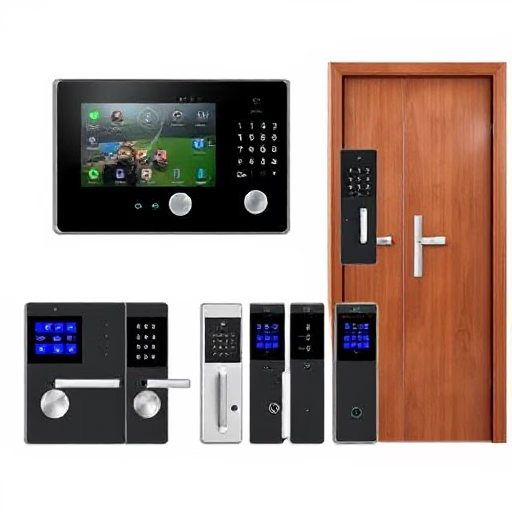
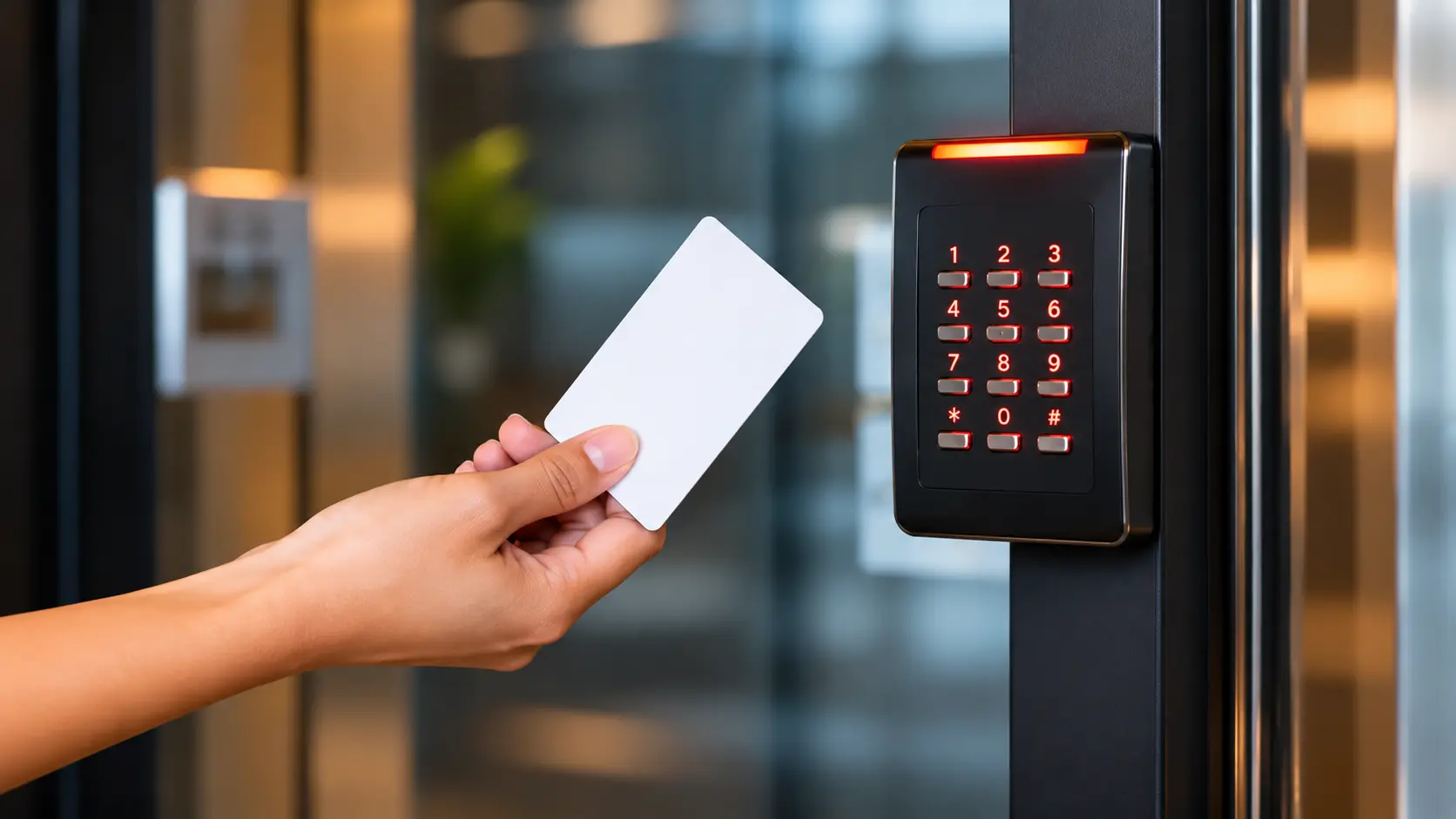
Plan and install access control systems in Kozhikode for offices, apartments, schools, hospitals, shops and commercial buildings. Manage who can enter, which doors they can use and when access is permitted with suitable card, fingerprint, face or PIN-based solutions.
✓ Since 2013✓ Site-specific planning✓ Supply & installation✓ Configuration support✓ Kozhikode based
Access management specialists
Access Control System Installation in Kozhikode
Lock and Secure Systems supplies and installs security solutions from its base at Puthiyara, Kozhikode. Operating since 2013, the company works with security technologies for residential, commercial and institutional premises.
An access control system helps replace unrestricted key access with managed credentials. Depending on the selected equipment, authorised users may enter using an RFID proximity card, fingerprint, face authentication, PIN code or a combination of methods.
We help assess entry points, user volume, door type, operating hours and management requirements before recommending a practical configuration. The final equipment, features and integrations depend on the selected model and site conditions.
✓ Door-wise access permissions✓ User and credential enrolment✓ Entry event records*✓ Standalone or networked options*✓ Exit and emergency provisions✓ Maintenance and support
*Feature availability depends on the controller, reader, software and installation design.
Our solutions
Types of Access Control Systems
Choose an entry method to suit your premises, users and security policy. Multiple technologies can be combined in a suitable system design.
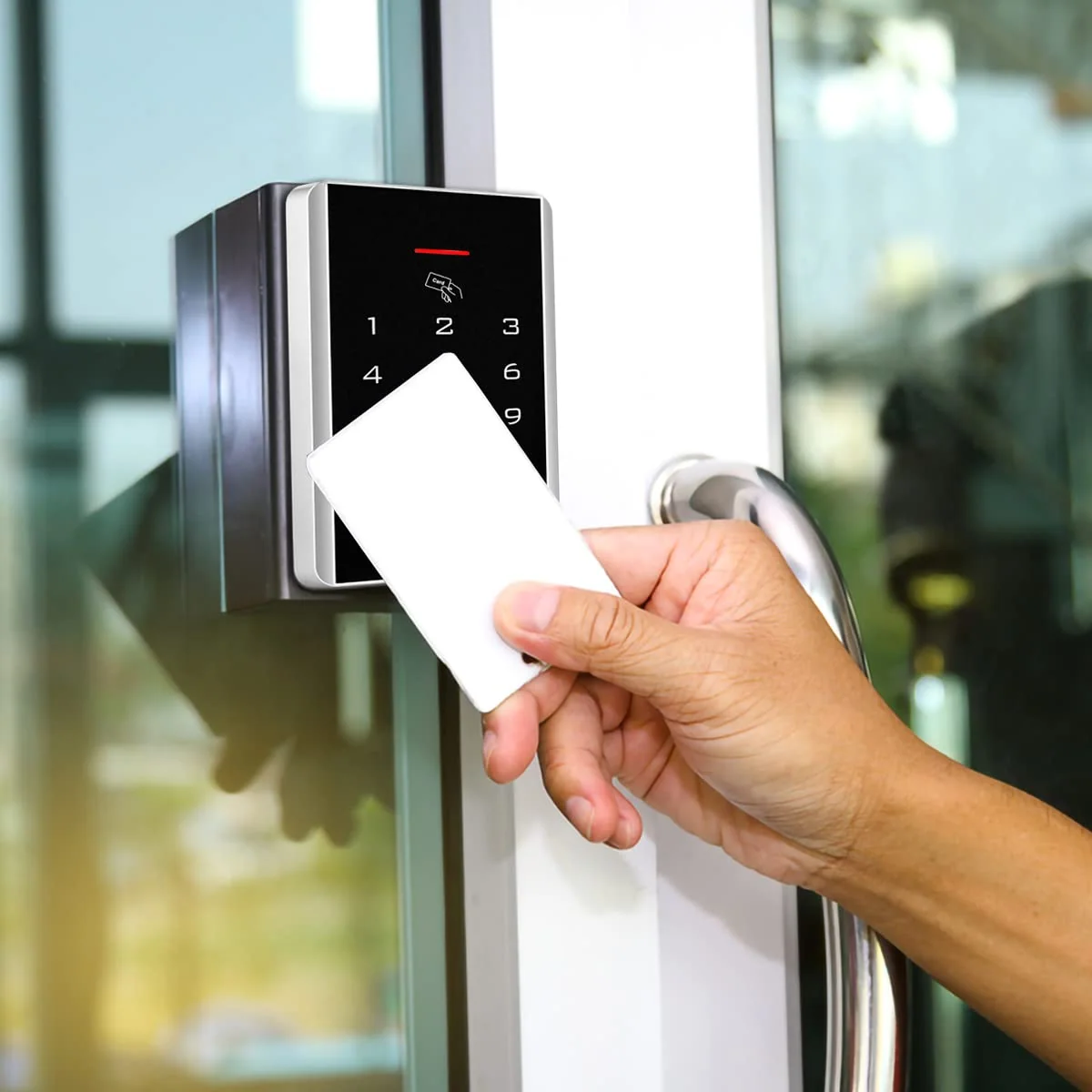
RFID Card & Proximity Access
Users present an authorised proximity card or key fob to a compatible reader. Credentials can be issued, disabled or reassigned according to system capability.
Employee and visitor credentials
Door-wise access permissions
Convenient daily entry
Suitable for offices and apartments
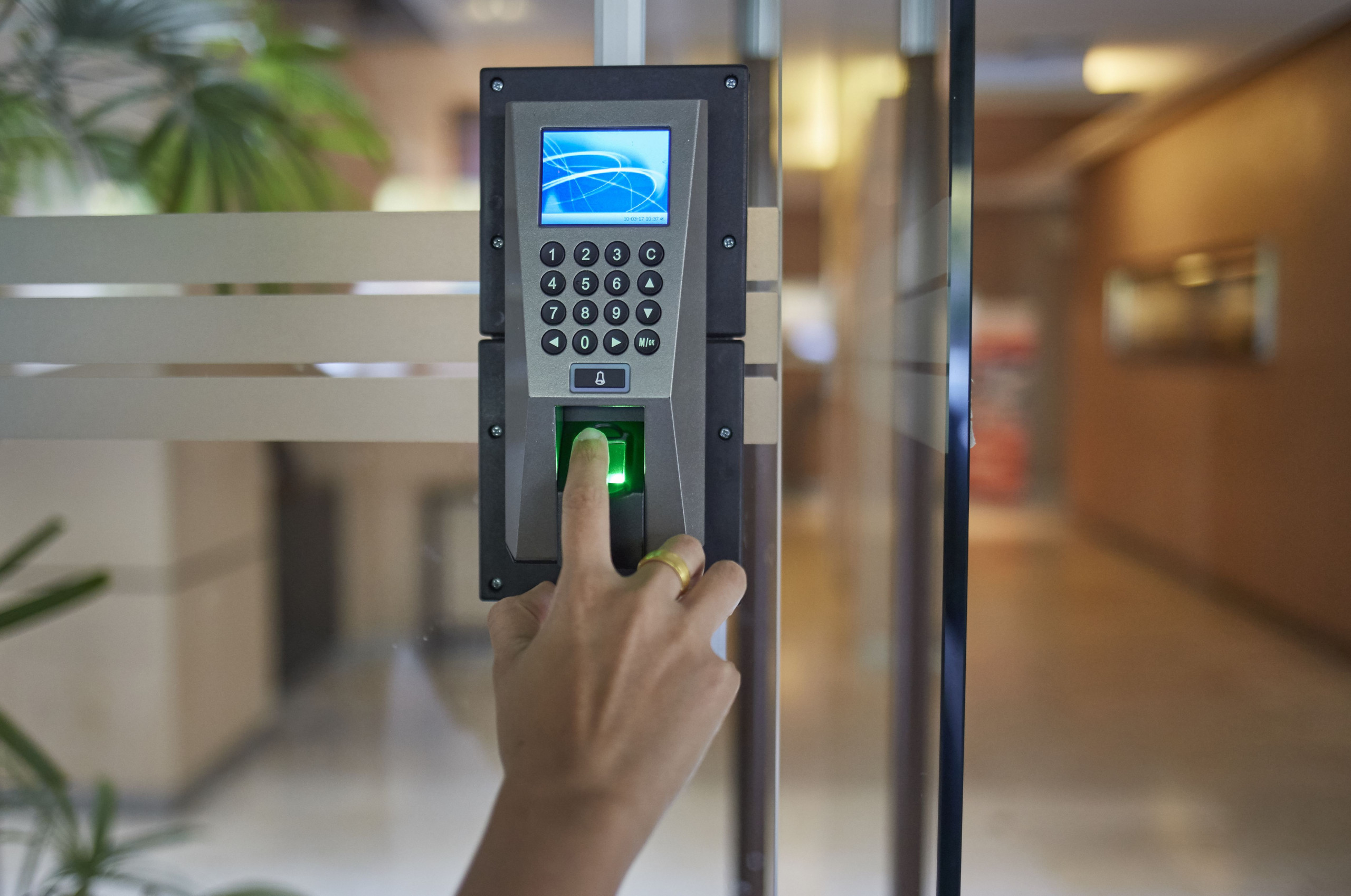
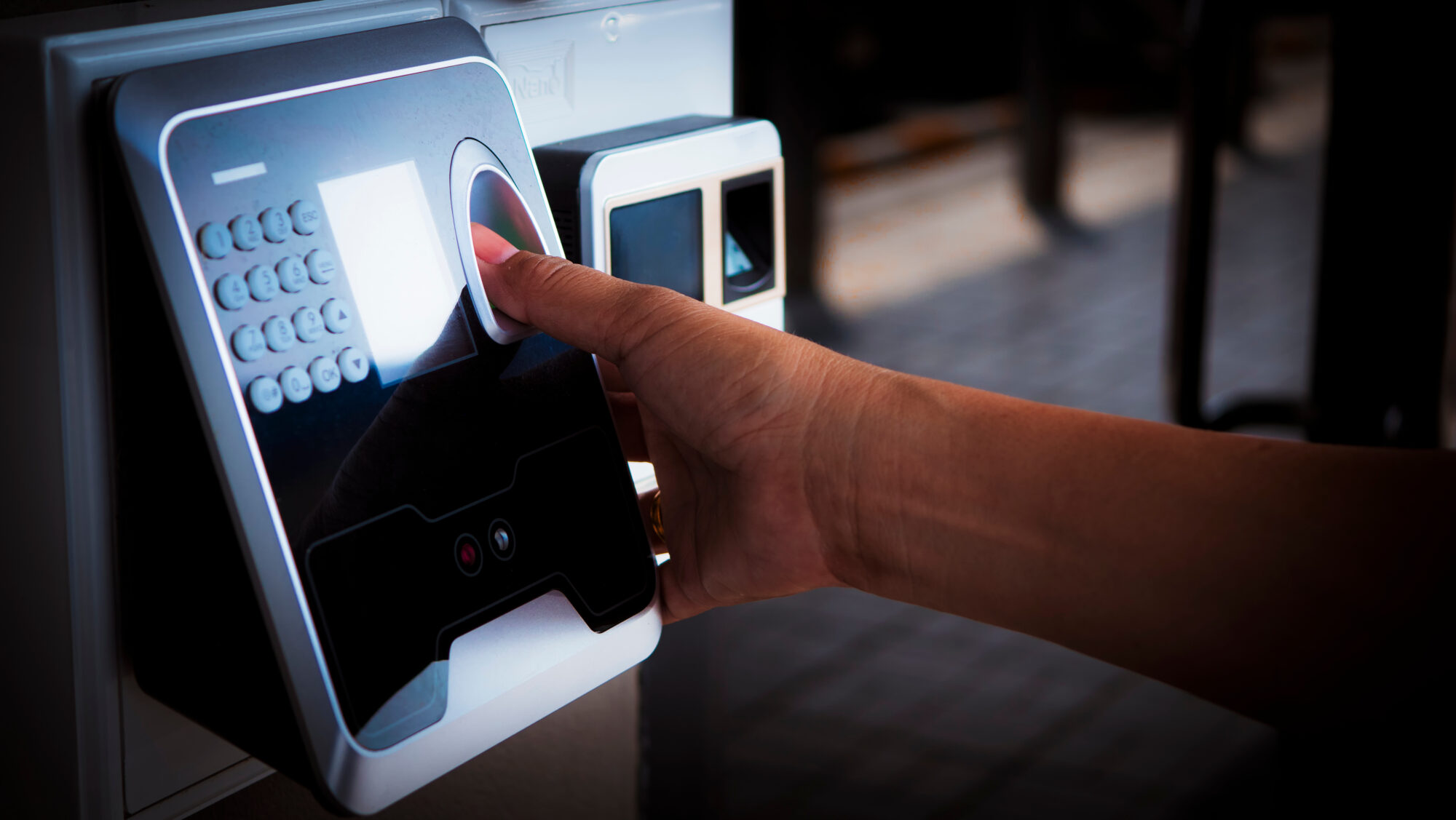
Fingerprint Access Control
Fingerprint readers verify enrolled biometric templates to grant access to permitted users. Useful where a physical card should not be the only credential.
Fingerprint enrolment and deletion
Access permissions by user
Optional event logs on supported models
For offices and restricted rooms
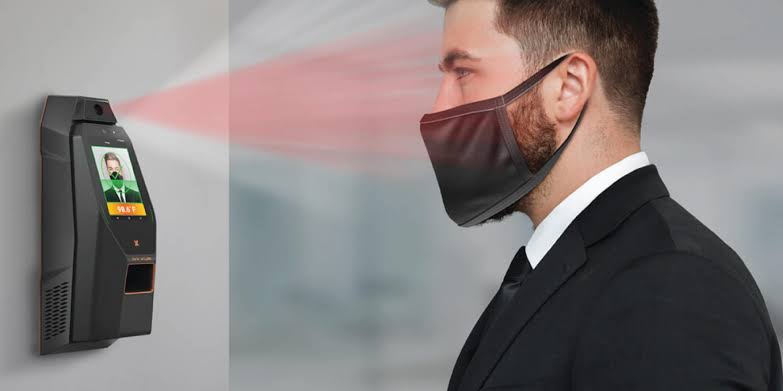
Face Recognition Access
Compatible terminals compare a presented face with enrolled user data. Device performance and available functions vary by model, environment and installation.
Contactless authentication
Optional card or PIN combination
Useful for managed workplaces
Privacy and consent planning required
PIN & Keypad Access
Users enter an assigned code on a compatible keypad. A practical option for selected doors, shared access points or as an additional authentication factor.
PIN-based door release
Temporary or role-based codes where supported
Standalone or controller-based designs
Code management guidance
Electronic Door Locks
Electric strikes, electromagnetic locks and compatible electronic locking hardware secure doors under controller command. Correct selection depends on the door and safe-exit requirements.
Magnetic and electric locking options
Door status and release accessories
Power supply and backup planning
Fire and emergency egress coordination
Multi-Door & Networked Access
For premises with multiple controlled entry points, network-capable systems can centralise user and door administration, subject to controller and software support.
Multiple reader and door architecture
Centralised credential management
Department or zone-based permissions
Expandable design options
Equipment & components
Access Control Products & Details
A complete installation may include several of the following components. The exact bill of materials is finalised after checking the door, user requirements and selected system.
🪪
RFID Card Reader
Reads compatible proximity cards or key fobs and sends credential data to a controller or operates as part of a standalone unit.
Reader format and frequency compatibility
Indoor or weather-rated models
Mounting and wiring accessories
👆
Fingerprint Reader
Captures and matches enrolled fingerprint templates for authorised entry on supported devices.
User enrolment and deletion
Capacity varies by model
Standalone or networked variants
🙂
Face Recognition Terminal
Biometric terminal for contactless identity verification. Optional card, PIN, attendance or connectivity features depend on model.
Face template capacity varies
Display and camera configuration varies
Site lighting and placement matter
🔢
PIN Keypad
Keypad reader for code-based authentication, standalone operation or use alongside a card or biometric reader.
PIN length and user capacity vary
Backlit options on selected models
Indoor and outdoor options
🧠
Access Controller
The controller processes reader inputs and controls door-lock outputs according to configured permissions and schedules.
Single-door and multi-door options
Reader and input/output compatibility
Network support on selected models
🧲
Magnetic Lock
An electromagnetic locking device used with a suitable access control circuit and door hardware.
Holding force selected for door/application
Compatible mounting brackets
Emergency release and fire strategy essential
🚪
Electric Strike / Drop Bolt
Electrically operated locking hardware that works with compatible doors, frames and access control outputs.
Door and frame compatibility check
Fail-safe/fail-secure selection
Correct alignment and installation
🔘
Exit Button & Door Sensor
Exit buttons, request-to-exit devices and door contacts help manage egress and monitor door state when supported.
Push-to-exit and touchless options
Door open/closed status input
Emergency release coordination
🔋
Power Supply & Backup
Regulated power supplies and suitable battery backup help support reliable operation during power interruptions.
Load and voltage calculation
Battery backup sizing
Protected cable routing
💻
Management Software
Compatible software may provide user management, access schedules, door groups and event reports for supported network systems.
Role and permission setup
Time schedules where supported
Event export and audit functions
🪪
Cards, Tags & Credentials
Credential media assigned to individual staff, residents or approved visitors.
Card and key-fob formats vary
Lost credential deactivation
Credential quantity planned by users
🔌
Cables & Installation Accessories
Suitable cable, conduit, junction boxes, mounts and connectors help create a neat and maintainable installation.
Cable type based on system design
Protected and labelled wiring
Finishing and functional testing
How it works
How an Access Control System Works
Access control connects identity credentials, a reader, a controller and an electronic locking device. When a user presents a valid credential, the system checks the configured permission and, if authorised, signals the lock to release for the configured interval.
Depending on the system, administrators may assign users to specific doors, define time schedules, disable lost credentials and review entry events. Networked systems may allow management from a central computer; standalone systems are configured locally.
Access control is not a substitute for fire-safety planning. Door hardware, emergency exit arrangements and fail-safe/fail-secure behaviour must be selected to suit the building and applicable safety requirements.
Our installation process
From Site Survey to System Handover
A structured installation helps ensure that readers, locks, power, credentials and user permissions work together as intended.
01
Requirement Discussion
Understand the property, number of doors, user groups, entry timings and security objectives.
02
Site & Door Assessment
Check door material, frame, lock type, power availability, cable routes and safe exit requirements.
03
System Recommendation
Recommend suitable readers, controllers, locking hardware, credentials and software based on compatibility.
04
Installation & Wiring
Mount devices, install cables and connect controller, lock, exit and power components.
05
Configuration
Set up authorised users, credentials, door permissions and time schedules where supported.
06
Testing & Handover
Test authorised and denied access, exit operation, lock response and event records.
07
Training
Explain daily operation, adding or removing users and basic administration to designated staff.
08
Service Support
Assistance for troubleshooting, changes, upgrades and maintenance based on service scope.
Applications
Access Control for Every Type of Premises
Entry control can be planned for a single door or multiple access points across a facility.
🏢Corporate Offices
Staff entry, restricted departments and server rooms.
🏘️Apartments
Lobby, amenity and selected common-area access.
🏫Schools & Colleges
Staff-only areas and controlled campus entry points.
🏥Hospitals & Clinics
Restricted rooms, stores and staff areas.
🏭Factories
Production zones, stores and employee entrances.
🏬Shops & Showrooms
Office, cash room and stockroom entry.
🏨Hotels
Back-office and staff-only access points.
🏦Financial Offices
Controlled access to sensitive work areas.
Technology brands
Security Brands We Work With
The reference company profile lists the following security technology brands. Availability of a particular access-control product, model or feature must be confirmed at enquiry stage.
Brand names are shown as text for identification. Product range and compatibility vary by manufacturer and model. No specific model availability is implied.
Choosing the right system
Access Control Planning Checklist
These factors help determine the right hardware and installation approach for your property.
Planning factor
What should be checked
Why it matters
Number of doors
Single door, multiple doors or multiple buildings
Determines controller architecture and expansion capacity
User count
Employees, residents, contractors and visitors
Helps size credential and user capacity
Authentication
RFID, fingerprint, face, PIN or combination
Balances convenience, policy and operational needs
Door construction
Wood, glass, metal, frame and door direction
Determines compatible lock and mounting hardware
Management
Standalone or networked administration
Defines how users, permissions and reports are managed
Power continuity
Supply, battery backup and lock behaviour
Supports reliable operation and planned response to outages
Emergency exit
Exit button, break-glass release and fire strategy
Ensures safe egress and code-compliant design
Integration
CCTV, attendance, intercom or other systems
Compatibility must be confirmed before promising integration
Helpful answers
Access Control Systems FAQ
Common questions about access control supply, installation and use in Kozhikode.
An access control system manages entry to selected doors or areas. It verifies a user through a credential such as an RFID card, fingerprint, face or PIN and releases the compatible electronic lock when access is authorised.
Lock and Secure Systems is based in Puthiyara, Kozhikode and provides security system solutions. Contact the team to discuss your location, site requirements and installation availability.
Common options include RFID card or key-fob readers, fingerprint readers, face recognition terminals, PIN keypads and combinations of these methods. The available options depend on the selected product range.
Yes, multi-door systems are available. The number of doors supported depends on the controller architecture, reader compatibility, software and expansion modules selected.
Supported systems can assign permissions by user, door, group or time schedule. The exact permission options depend on the controller and management software.
On systems with credential administration, an administrator can usually deactivate or remove a lost card and issue a replacement. The process differs for standalone and networked equipment.
Many networked and selected standalone systems store access events. Log capacity, retention, export and reporting features vary by model and software configuration.
Neither is universally best. RFID cards are easy to issue and replace, while fingerprint access avoids carrying a card. User convenience, hygiene, operating conditions, privacy and device capability should guide the choice.
Access control manages permission to enter doors or zones. Biometric attendance records employee check-in and check-out for attendance reporting. Some devices support both functions, but the software and configuration must support the intended use.
Some platforms support integration between access events and CCTV video. Compatibility between the access controller, video management system and camera/NVR platform must be verified for the exact models.
That depends on the lock type, wiring design, backup power and whether the installation is configured fail-safe or fail-secure. Emergency exit and fire-safety requirements must always be considered by the installer.
It may be possible with suitable brackets, lock hardware and door configuration. The glass type, frame, door swing and structural limitations need to be checked before selecting components.
Yes. Access control can be planned for selected entrance doors, staff-only areas or shared facilities. Resident and visitor workflows, emergency exits and administration responsibilities should be decided in advance.
Some systems support temporary credentials, PINs or time-limited permissions. This depends on the model and software. Visitor identity and access policies should be managed by the property administrator.
Contact Lock and Secure Systems to discuss troubleshooting, servicing or maintenance requirements. The service scope and availability can be confirmed after reviewing the installed equipment and fault symptoms.
An upgrade may be possible if existing readers, locks, cabling and controllers are compatible with the proposed equipment. A site and system assessment is recommended before deciding what can be reused.
The company profile lists CP PLUS, Hikvision, Dahua, Trueview, Honeywell, Hi-Focus and TP-Link among its security technology brands. Ask the team to confirm the availability of a specific access control model or product.
Pricing depends on the number of doors, authentication method, controller, lock hardware, cable route, software, backup power and installation conditions. Share your requirements for a site-specific quotation.
Time depends on door count, building layout, wiring distance, hardware availability and configuration requirements. The expected schedule can be advised after a site assessment.
System handover can include guidance for the designated administrator on everyday operation and user or credential management, according to the supplied system and agreed scope.
1st Floor, Happy Building, Near Sabha School, Puthiyara Road, Puthiyara, Kozhikode, Kerala 673004.
Call 7356 501 501 or WhatsApp 7356 670 670. Mention the property type, number of doors, approximate user count and preferred access method so the team can understand your requirement.
Talk to our team
Get an Access Control Consultation
Tell us about your property and entry requirements. Contact Lock and Secure Systems in Kozhikode for product and installation enquiries.
Lock and Secure Systems
Address1st Floor, Happy Building, Near Sabha School, Puthiyara Road, Puthiyara, Kozhikode, Kerala 673004